Unity Dev Console
A downloadable tool
A drop-down developer console for Unity, for the editor and development builds only.
Features
- Backquote toggles the console. The key is fixed, so it works on any keyboard layout.
- Self-registering commands. Declare a
public static readonlyfield and the command exists. There is no scene object to add and no list to maintain. - One typed argument per command, parsed strictly:
string,int,float,bool(trueorfalseonly),Vector3("1 2 3") and any enum. - Suggestions as you type. Each typed word matches the start of a command segment, in order.
se pl hefindsset_player_health, andse plafinds everyset_player_*. Up and Down move the highlight, Tab or Enter accepts it. - Compiled out of release builds. The
AlpTheDev.DevConsoleassembly only exists underUNITY_EDITOR || DEVELOPMENT_BUILD.
Requirements
- Unity 6000.0 or newer
- Input System, set as the active input handler (the package pulls it in)
Install
Window > Package Manager > + > Add package from git URL, then paste:
https://github.com/kureysalp/Unity-Dev-Console.git
Press Play and hit backquote. The console starts itself after the first scene loads.
You can also unzip the download from this page into your project's Packages folder.
Adding a command
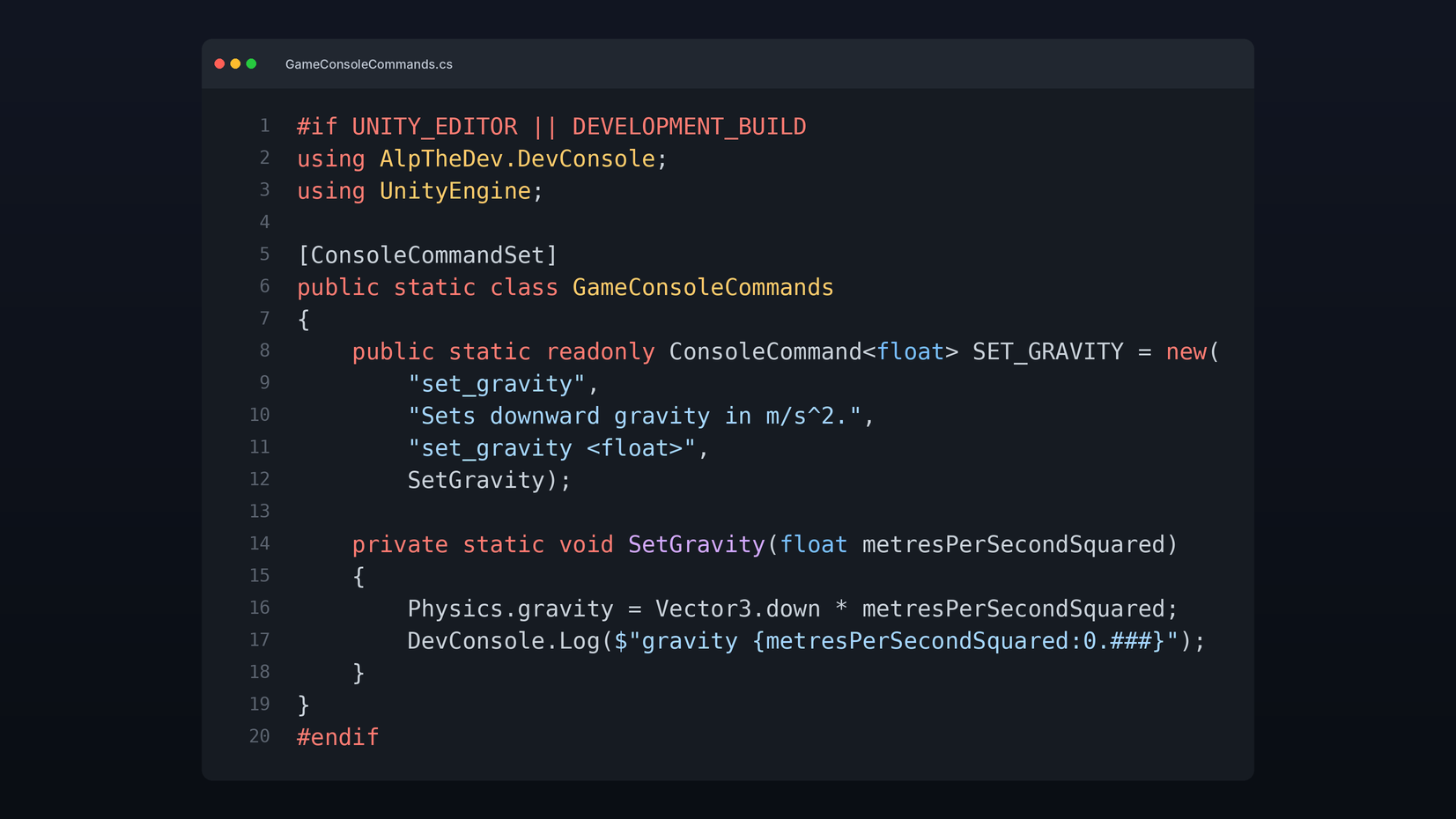
Put your commands in a static class marked [ConsoleCommandSet], one public static readonly field per command. At startup the console finds every such class, in any assembly that references AlpTheDev.DevConsole, and runs its static constructor, so the fields register themselves.
#if UNITY_EDITOR || DEVELOPMENT_BUILD
using AlpTheDev.DevConsole;
using UnityEngine;

[ConsoleCommandSet]
public static class GameConsoleCommands
{
    public static readonly ConsoleCommand<float> SET_GRAVITY = new(
        "set_gravity",
        "Sets downward gravity in m/s^2.",
        "set_gravity <float>",
        SetGravity);

    private static void SetGravity(float metresPerSecondSquared)
    {
        Physics.gravity = Vector3.down * metresPerSecondSquared;
        DevConsole.Log($"gravity {metresPerSecondSquared:0.###}");
    }
}
#endif
Built-in commands
| Command | Does |
|---|---|
help | Lists every command |
clear | Clears the console log |
quit | Leaves play mode, or exits a build |
set_time_scale <float> | Sets Time.timeScale |
Blocking game input while it is open
DevConsoleUI.IsOpen is true while the console has focus. Check it wherever your game reads input. The console shows the cursor while it is open and restores the previous cursor state when it closes.
Running commands from code
DevConsole.Execute("set_time_scale 0.5") runs a line as if it had been typed. DevConsole.GetText() returns the log, which is useful for editor automation and tests.
Source
github.com/kureysalp/Unity-Dev-Console
More tools by me
Download
Click download now to get access to the following files:
Leave a comment
Log in with itch.io to leave a comment.